
Aurora Store
Aurora Store is a free and open-source Android app that works as an alternative to the Google Play Store app, distributed under the GPL.
Android
Open source

7.39 · Uptodown · Page updated
Uptodown App Store is an alternative Android app marketplace for downloading and updating apps outside Google Play. This page covers version 7.39.
Average 0.0 · ratings: 0
Thank you! Your rating is saved; you can change it. Could not save the rating. Please try again later. Too many ratings from your network today. Please try again tomorrow. The average appears after 5 ratings.
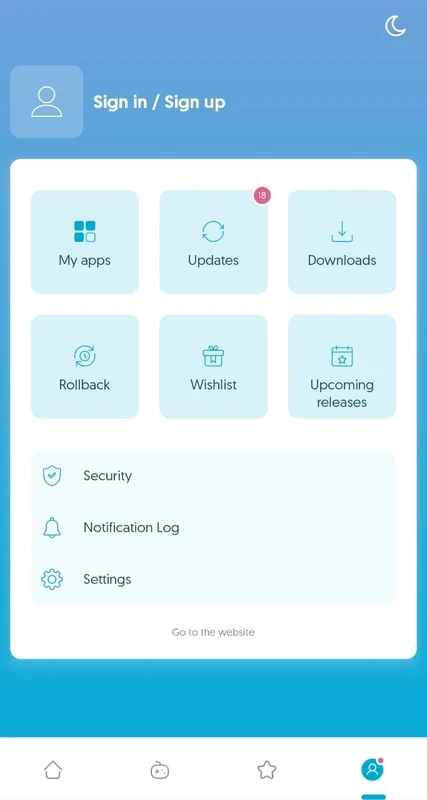
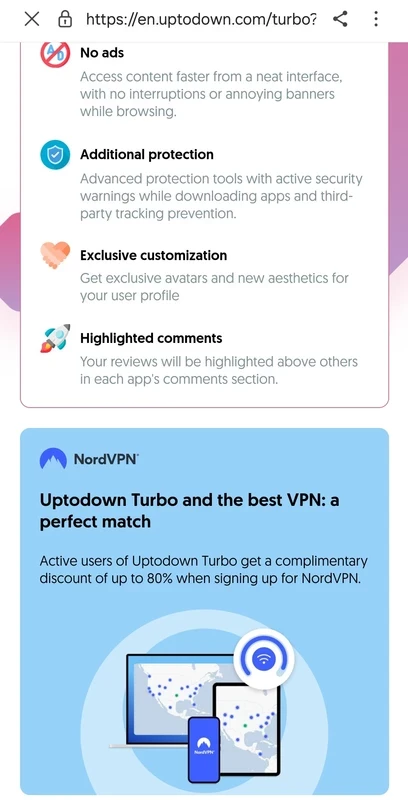
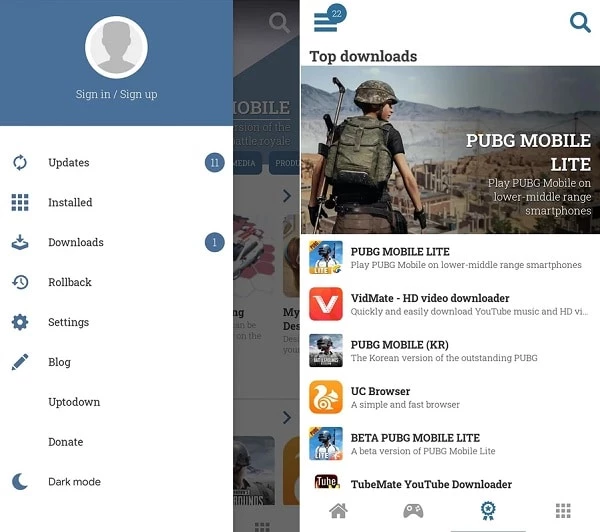
Uptodown App Store 7.39 for Android is an alternative app marketplace for downloading and updating Android apps outside Google Play. The app is free and comes from uptodown.com; here are clear answers to the questions people ask before they install it.
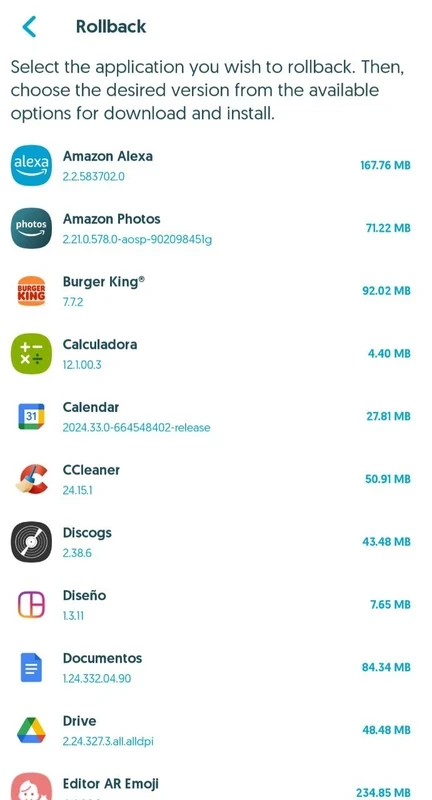
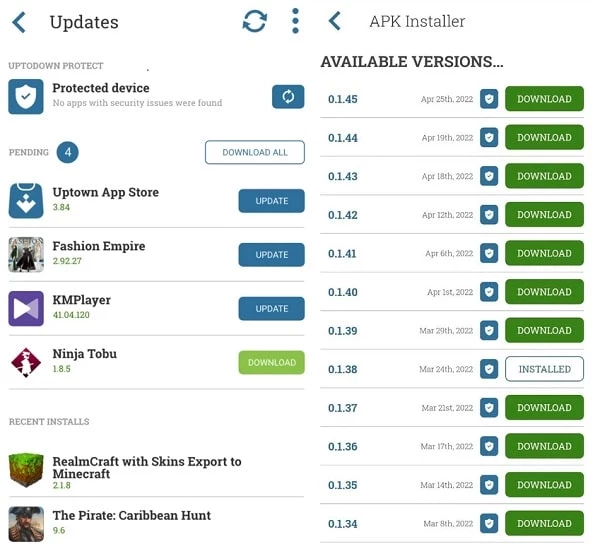
Uptodown is a long-running software distribution marketplace for desktop programs and mobile apps. Its Android app is a store in its own right: you search for an app, open its page, choose a version and install it as an APK file. The store can keep your installed apps updated, and it lets you roll back to an earlier version when a fresh update causes trouble, which is a feature the official store does not offer. People use it on phones sold without Google services, in regions where some apps are not available in the local store, and when they need a specific older version for compatibility. It does not replace the need for care: the files are packages of apps made by other developers, so you still decide what to trust. The high version number, 7.39, reflects how long the Android app has been developed, and updates arrive regularly.
The app is about 14.83 MB according to catalogue data, light enough for phones with little free storage.
The store is an established service, but apps from any third-party store deserve extra checks. Look at the developer name on each app page, review permissions after installing, and keep Google Play Protect or another antivirus active. For banking and payment apps, use the official store when you can.
Yes. That is one of the main reasons people use Uptodown: if an update removes a feature or does not run on your phone, you can install a previous version. Remember that old versions may lack security fixes, so move back to a current one when possible.
Yes. The store costs nothing; paid apps you install through it remain under their own developers' terms.
Other app stores for Android in our listings: APKPure, Aptoide, Aurora Store and Huawei AppGallery. If your phone has Google Play, Google Play Store remains the default choice.
Aurora Store is a free and open-source Android app that works as an alternative to the Google Play Store app, distributed under the GPL.

Google Play Store is Google's digital distribution platform for Android, used to find, install and update apps, games and books.

APKPure is a third-party app marketplace for Android that installs apps from APK files outside Google Play. This page covers version 3.20.7803.

Aptoide is an open-source alternative app store for Android, running since 2009. This page covers version 9.22.5.3.

QuickShortcutMaker is a small Android tool for creating home screen shortcuts to specific screens of installed apps, including hidden settings.