Google Play Store PC
Google Play is Google's digital distribution platform. On Windows, Google offers Play content through the browser and Google Play Games on PC.
52.9 MB

Uptodown App Store for Windows is the desktop client of Uptodown, a marketplace for desktop software and mobile apps. This page covers version 1.0.3.
Average 0.0 · ratings: 0
Thank you! Your rating is saved; you can change it. Could not save the rating. Please try again later. Too many ratings from your network today. Please try again tomorrow. The average appears after 5 ratings.
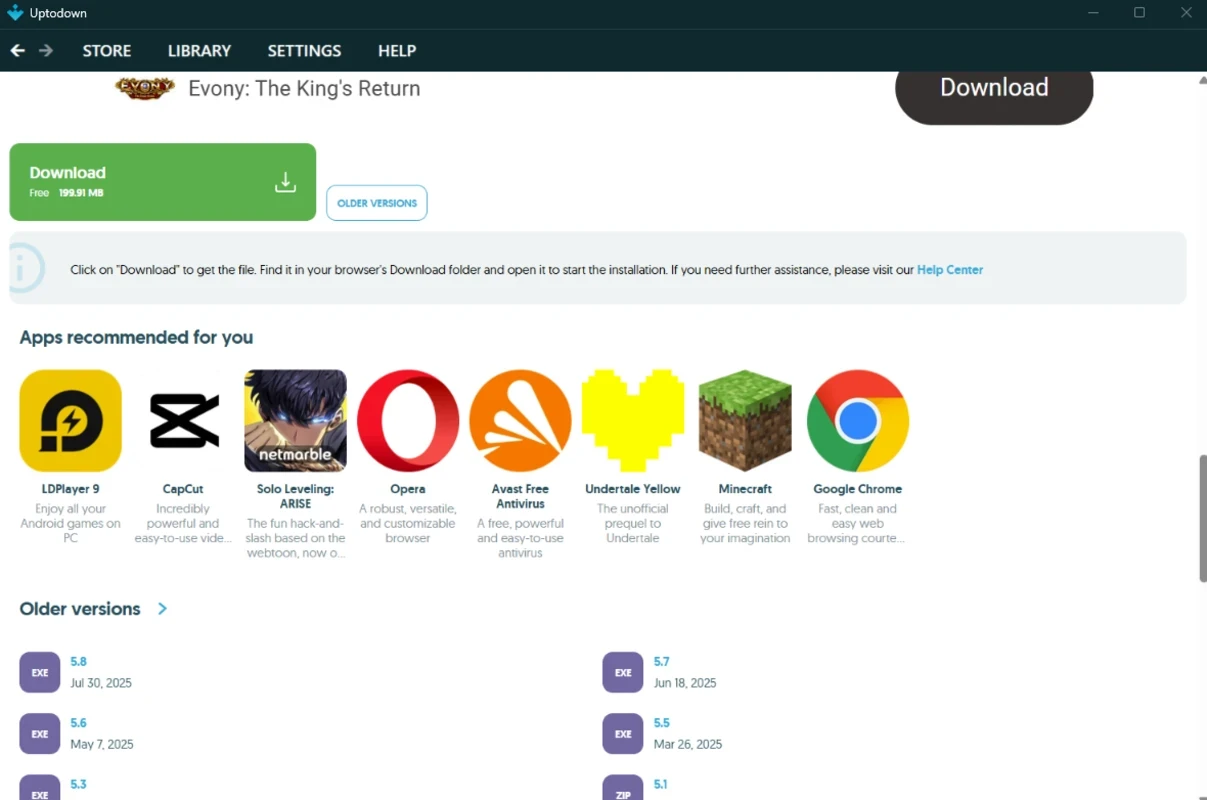
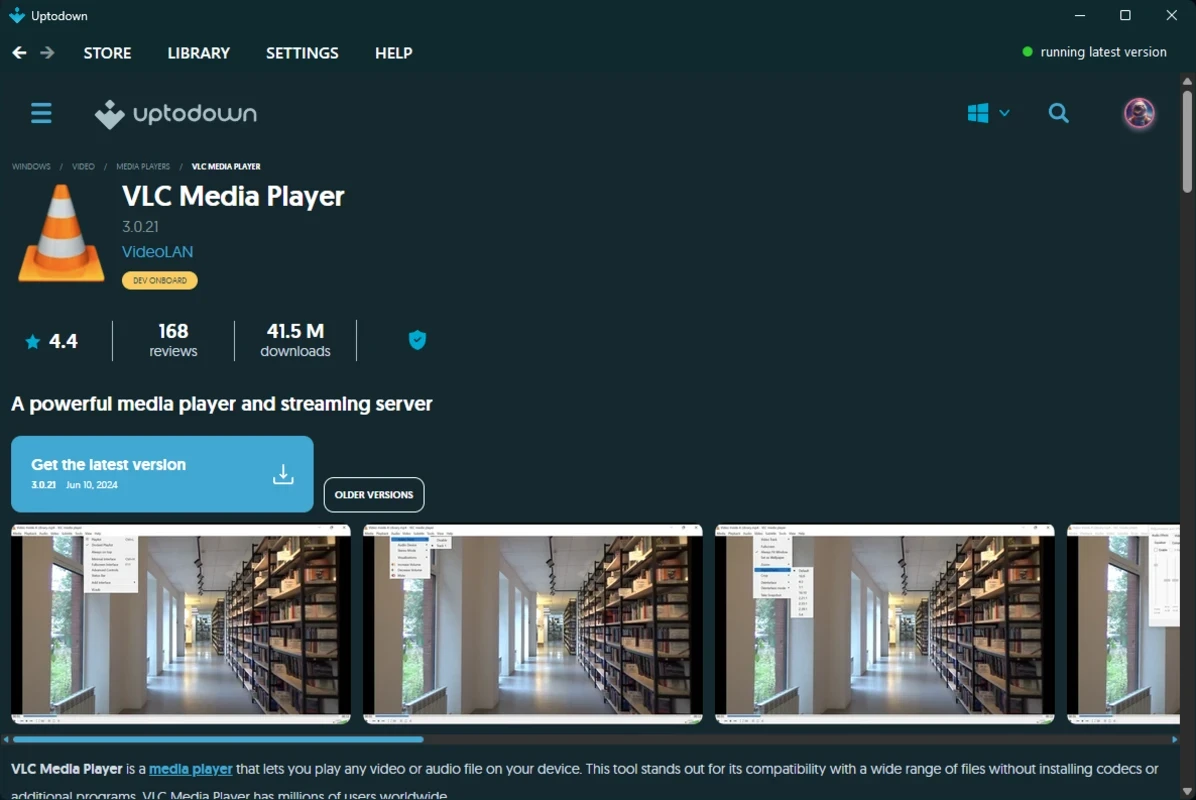
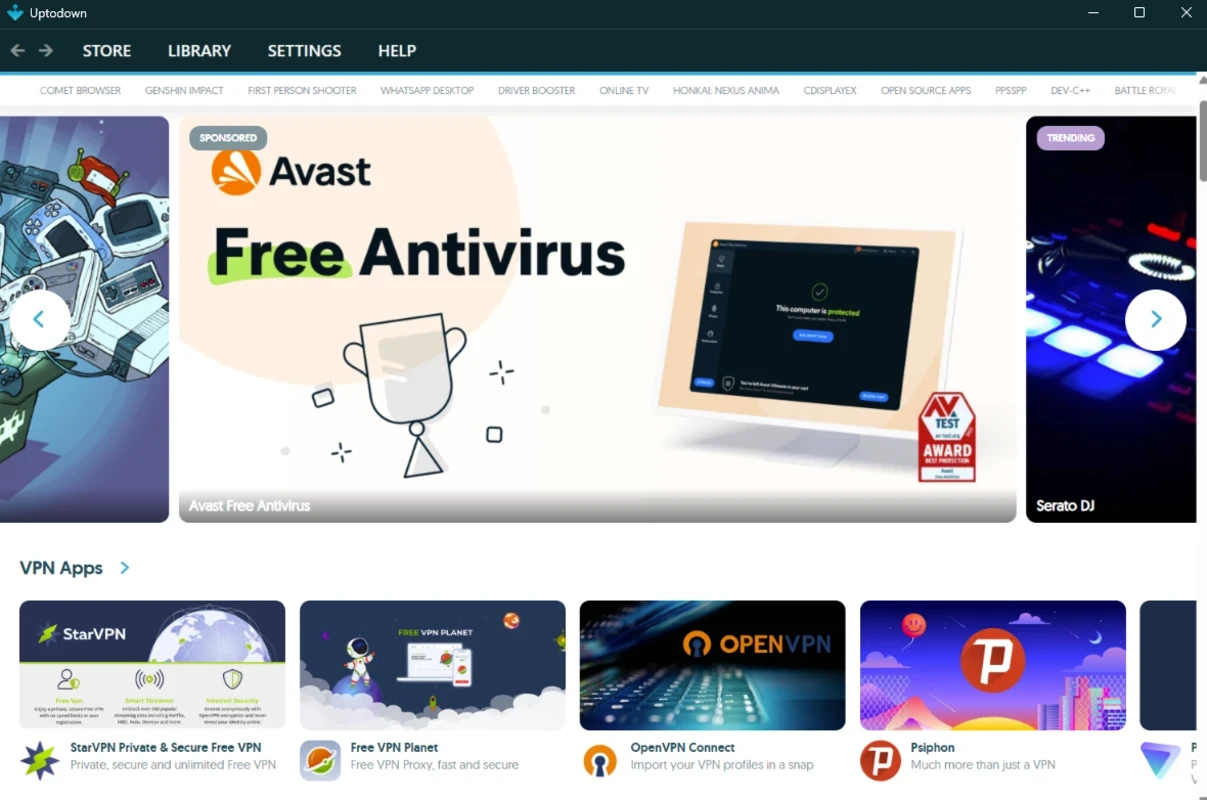
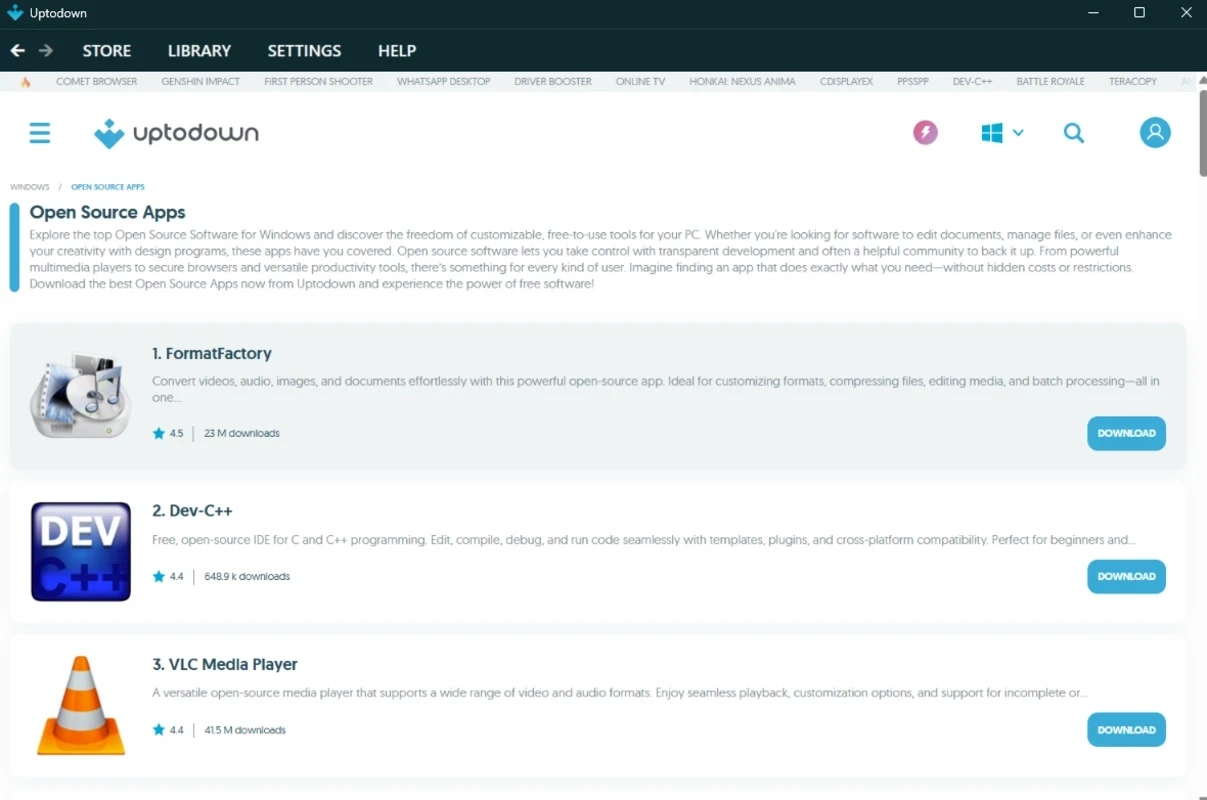
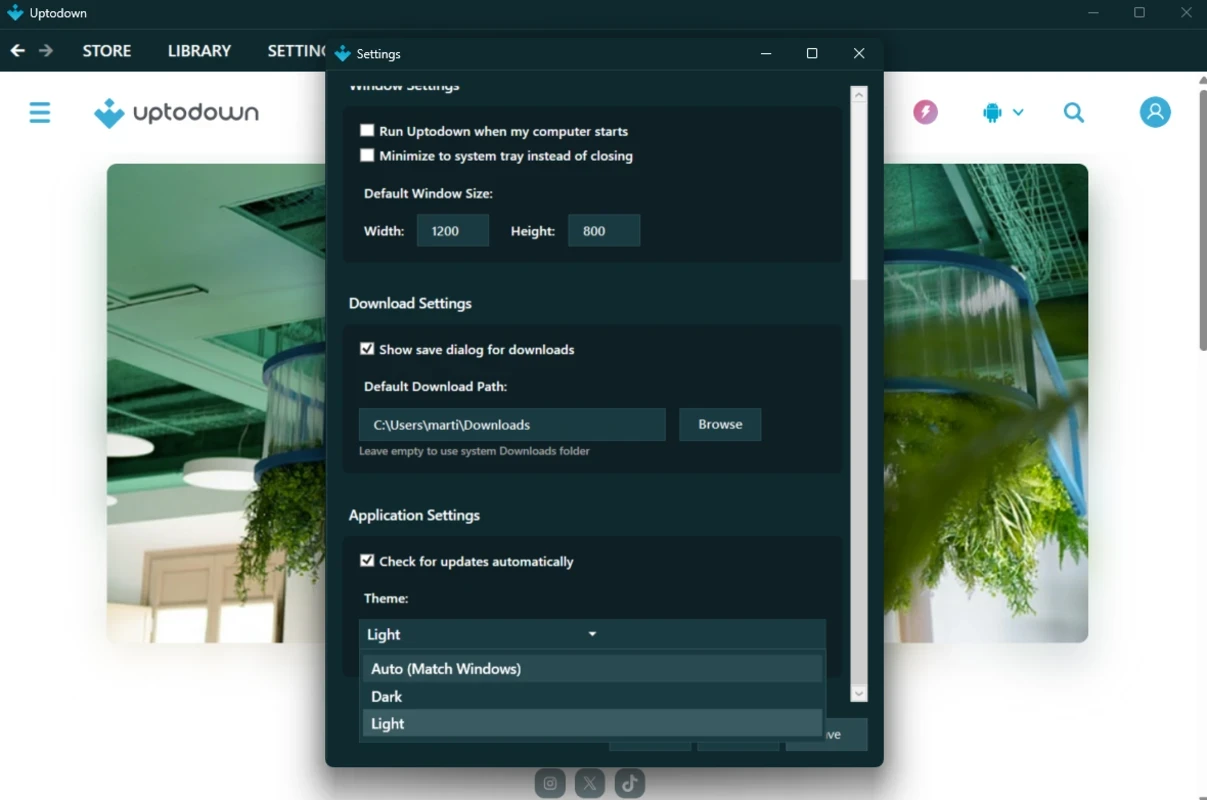
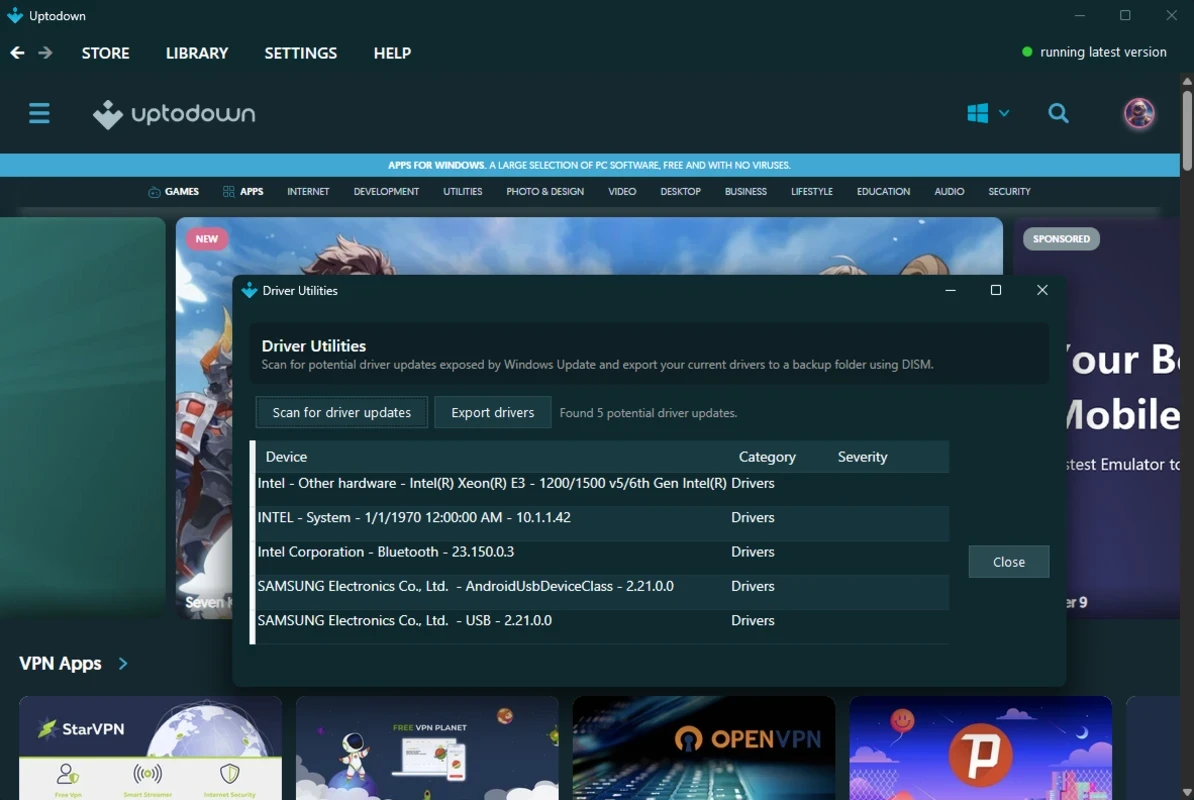
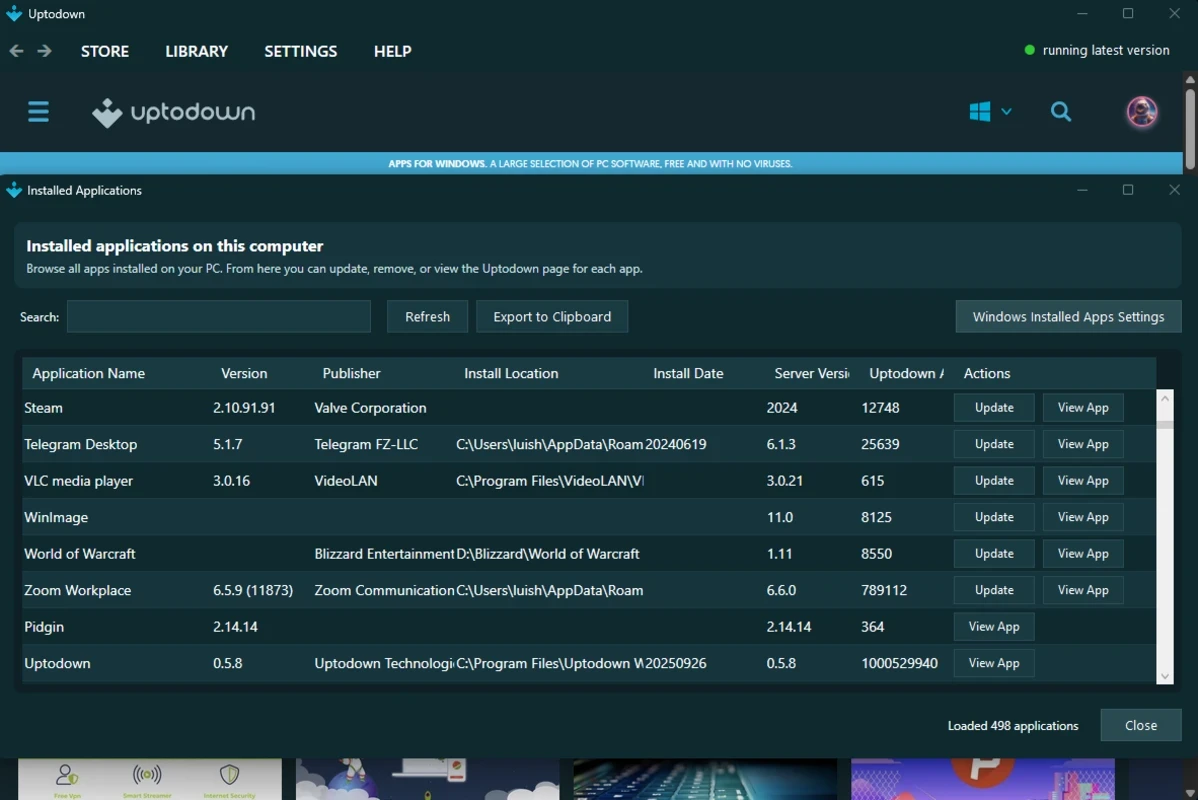
Uptodown App Store 1.0.3 for Windows is the desktop client of Uptodown, a marketplace that distributes desktop software and mobile apps. It is a free download from uptodown.com and gives you one place to find, install and update programs on your PC; the spec sheet and notes below explain what to expect.
| Parameter | Value |
|---|---|
| Program | Uptodown App Store |
| Version | 1.0.3 |
| Developer | Uptodown |
| System | Windows |
| Licence | Free |
| Type | software distribution marketplace |
| Download size | about 9.85 MB according to catalogue data |
| Updated | August 2026 |
Uptodown started as a website where people download software for Windows, Android and other systems, and it has grown into a full marketplace with its own apps. The Windows client brings that catalogue into a desktop window. You browse categories or search for a program, read its description, pick a version and install it without opening a browser. The client can also keep track of programs you installed through it and tell you when a newer version appears, which saves you from visiting each developer's site in turn. A feature many users value is access to older versions: if an update breaks something, you can go back to a release that worked for you. The version number 1.0.3 shows that the Windows client is still young compared with the long-running Android app, so expect its feature set to grow over time.
Uptodown is a third-party store, not the developer of the programs it lists. Treat every download with the usual care: compare the publisher in the installer with the official developer, keep Windows Security or another antivirus active, and watch installers for optional offers you did not ask for. For banking software, drivers and security tools, go straight to the developer's own website.
Uptodown does not publish separate requirements for this client in our data. A current Windows PC with an internet connection is enough; the programs you install have their own requirements.
Other ways to get software in our listings: Microsoft Store, the store built into Windows; PC App Store and Tencent App Store as other third-party catalogues. On Android, Uptodown also has its own app, and the developer's Android page is at uptodown-android.en.uptodown.com.
Google Play is Google's digital distribution platform. On Windows, Google offers Play content through the browser and Google Play Games on PC.
Media Creation Tool is a free Microsoft utility that downloads Windows and turns it into a bootable USB flash drive or an ISO file.

LDPlayer is an Android emulator for Windows that runs mobile apps and games on a computer.

BlueStacks is an Android emulator for Windows that lets you run Android apps and games on your PC.
Rufus is a free Windows utility that turns a USB stick into a bootable installer. The current version is 4.15.

PC App Store is a free software store for Windows from Baidu for finding, installing and updating PC programs. This page covers version 5.0.1.8682.
FAT32Format is a tiny free Windows tool from Ridgecrop Consultants that formats large disks and USB drives with the FAT32 file system.
NoxPlayer is a free Android emulator from Bignox for Windows and macOS that runs mobile games and apps on a computer with keyboard and mouse control.